Your iPhone shoots great photos.Make them greater.
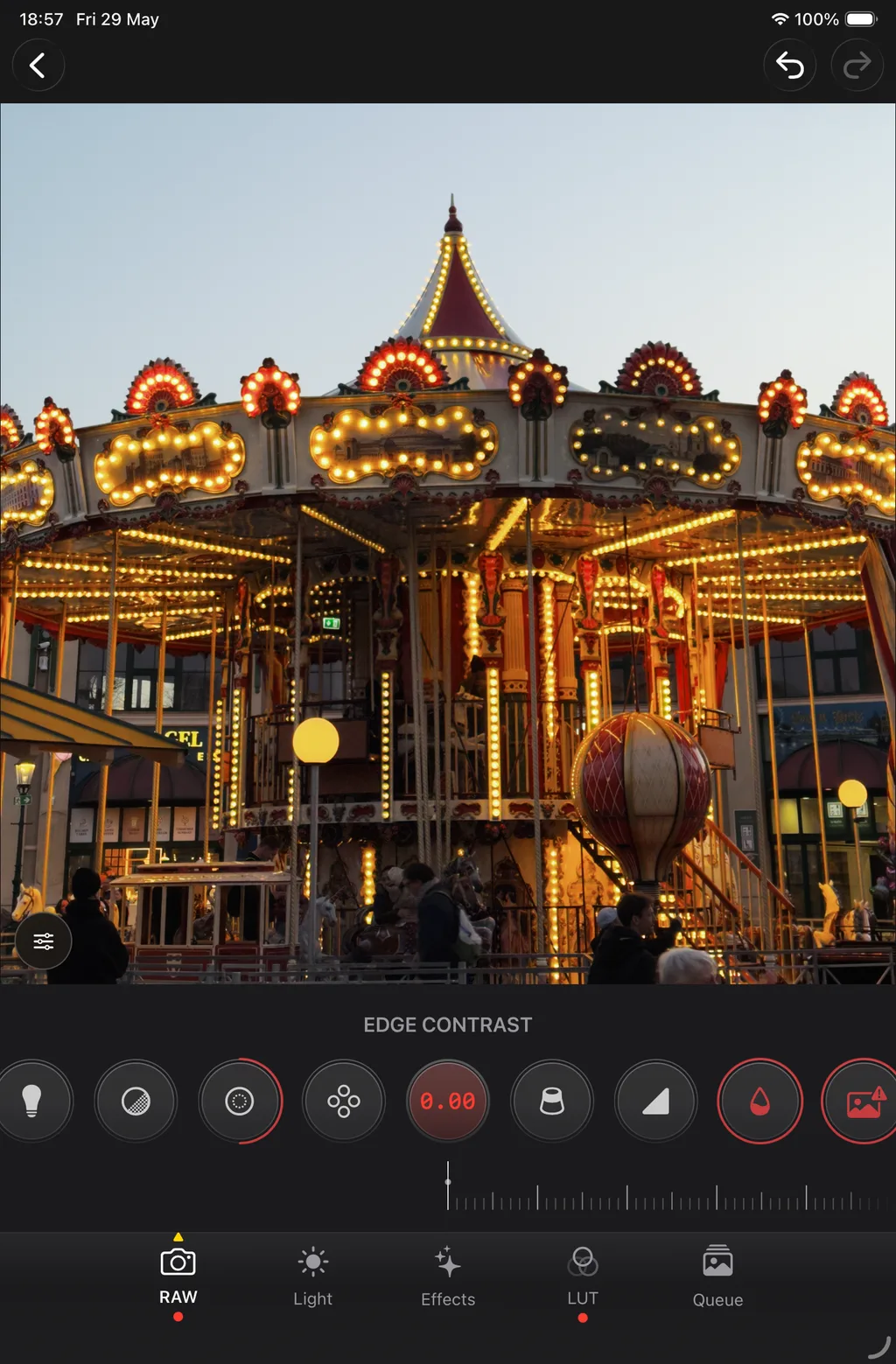
Develop ProRAW on iPhone or iPad. Ease off crunchy Deep Fusion and skip the laptop and Lightroom subscription.
ProRAW in the wild
Ever notice something off about your photos?
Bigger sensors and smarter pipelines do not always mean better files, often just heavier sharpening and contrast baked in for everyone.
Showing comparison 1 of 3: Ferris wheel at sunset — ProRAW comparison
ProRAW editing, pocket size.
Six tools that stay with your library on iPhone and iPad.
Shoot
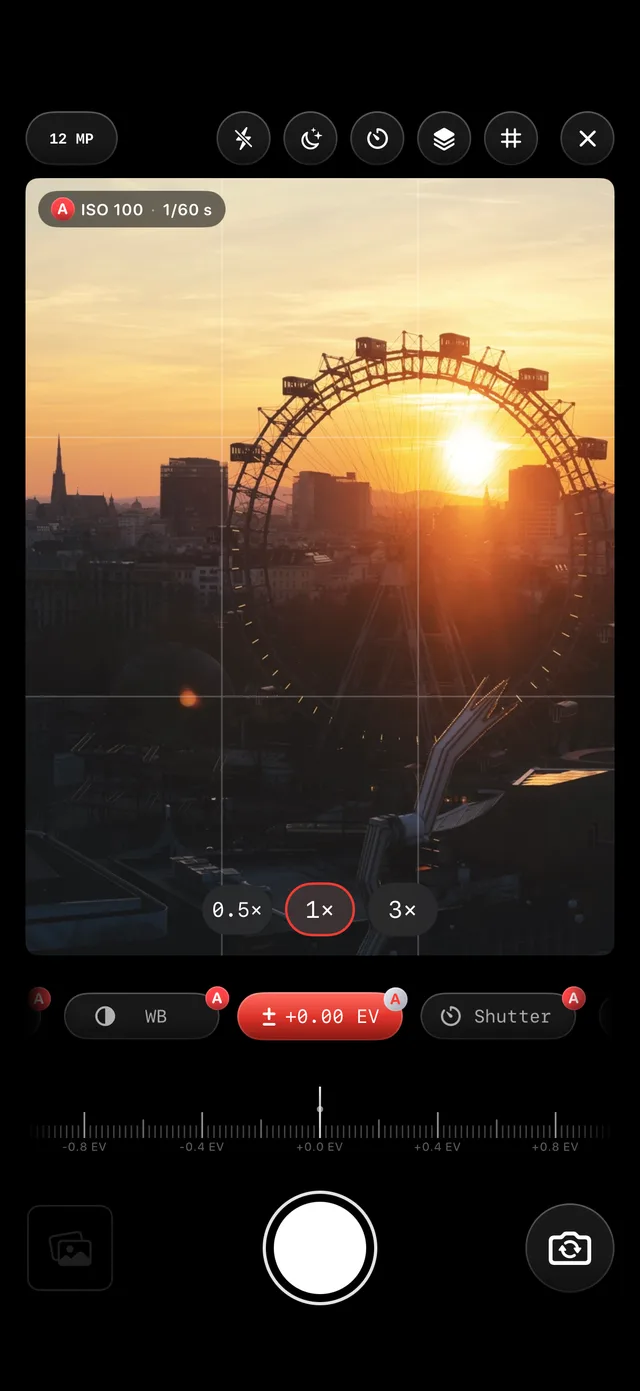
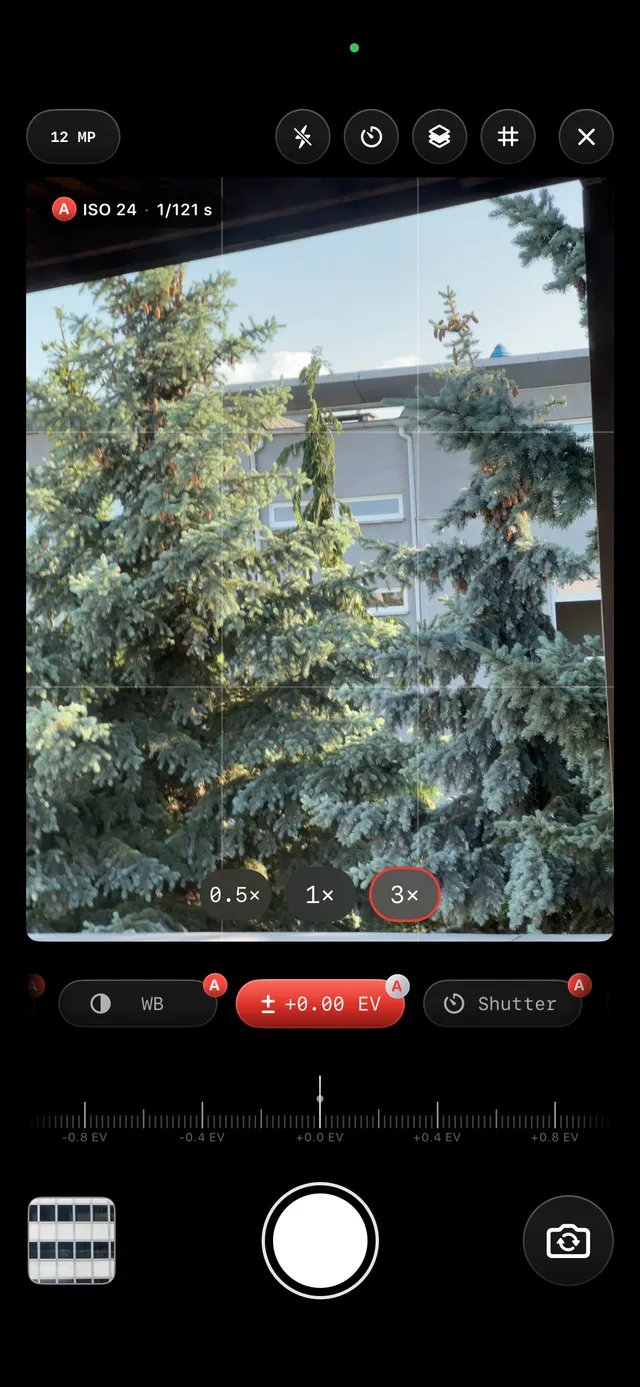
Capture in Apple Camera or in-app.
Use Apple Camera when you want the best hand-held ProRAW, or shoot inside RAW Clinic when capture and edit should stay in one app.
Queue
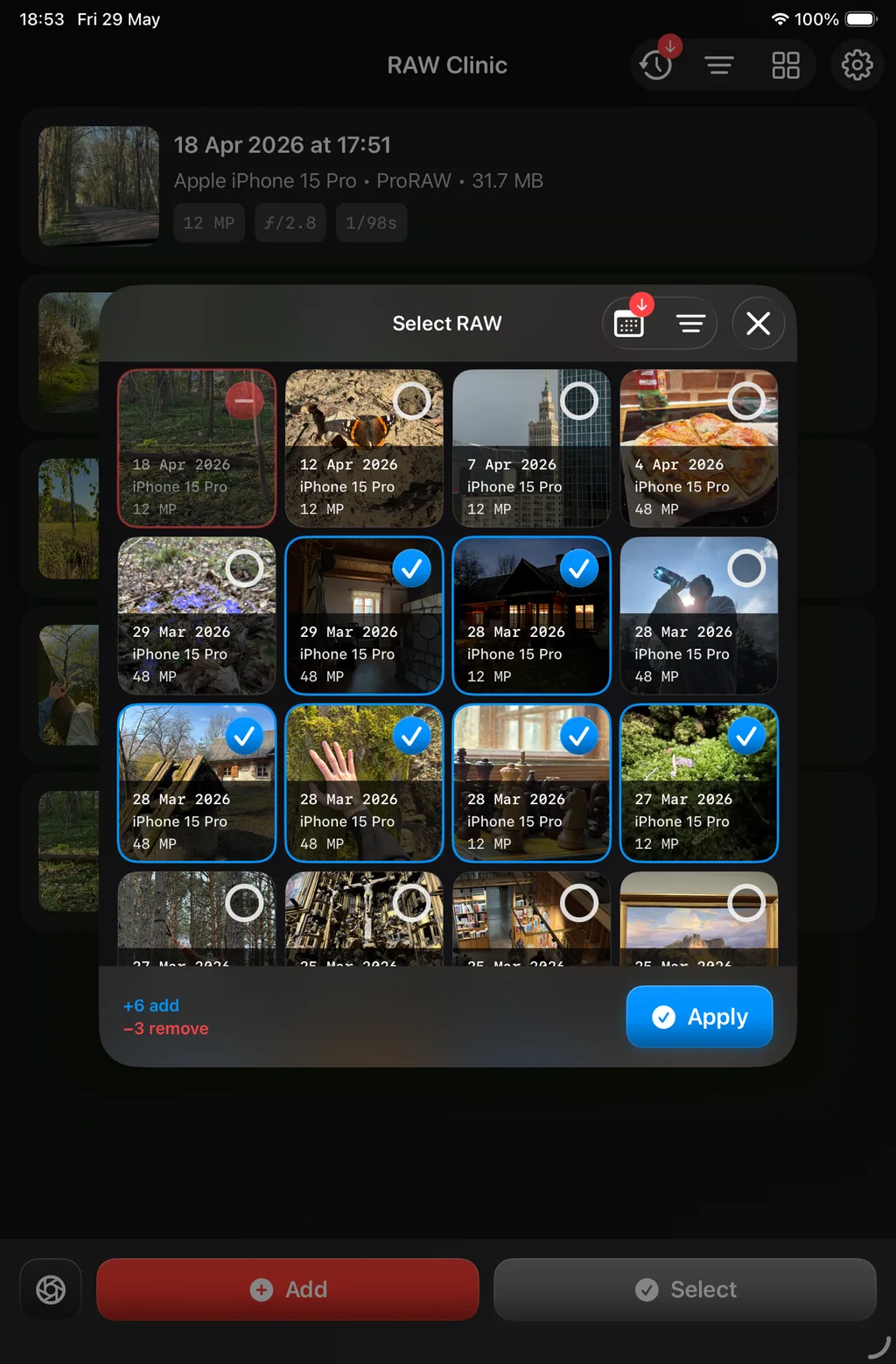
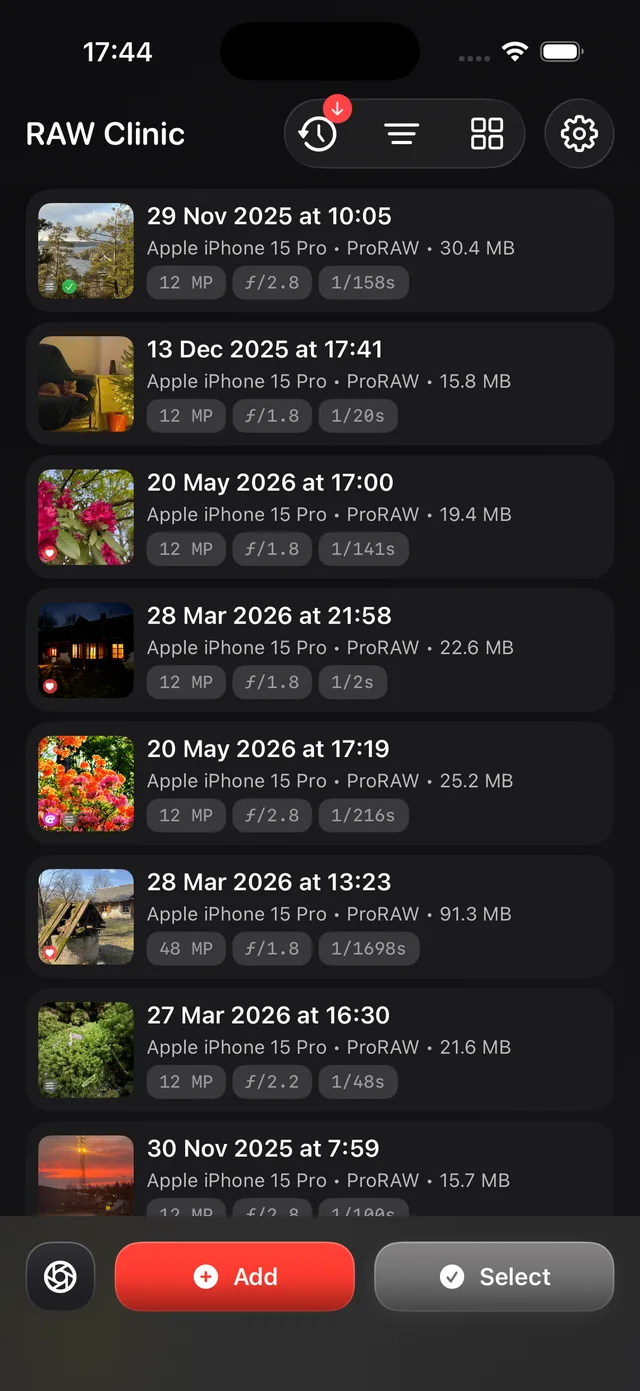
Import, organize, and grade.
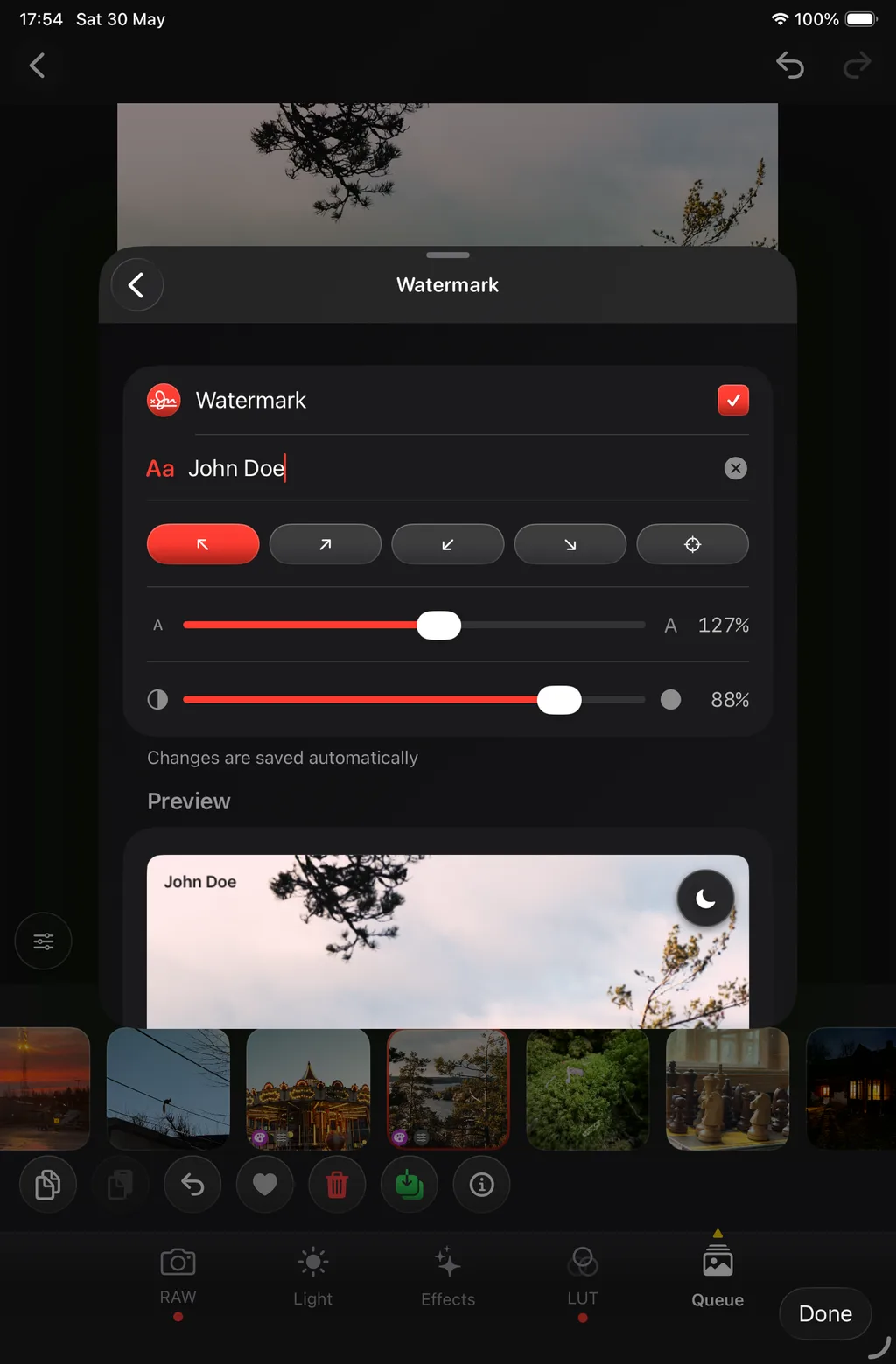
Add ProRAW from Photos or Files, sort your queue, and apply your look shot to shot, or paste a grade from a reference frame.
- Built on Apple's on-device RAW pipeline.
Export
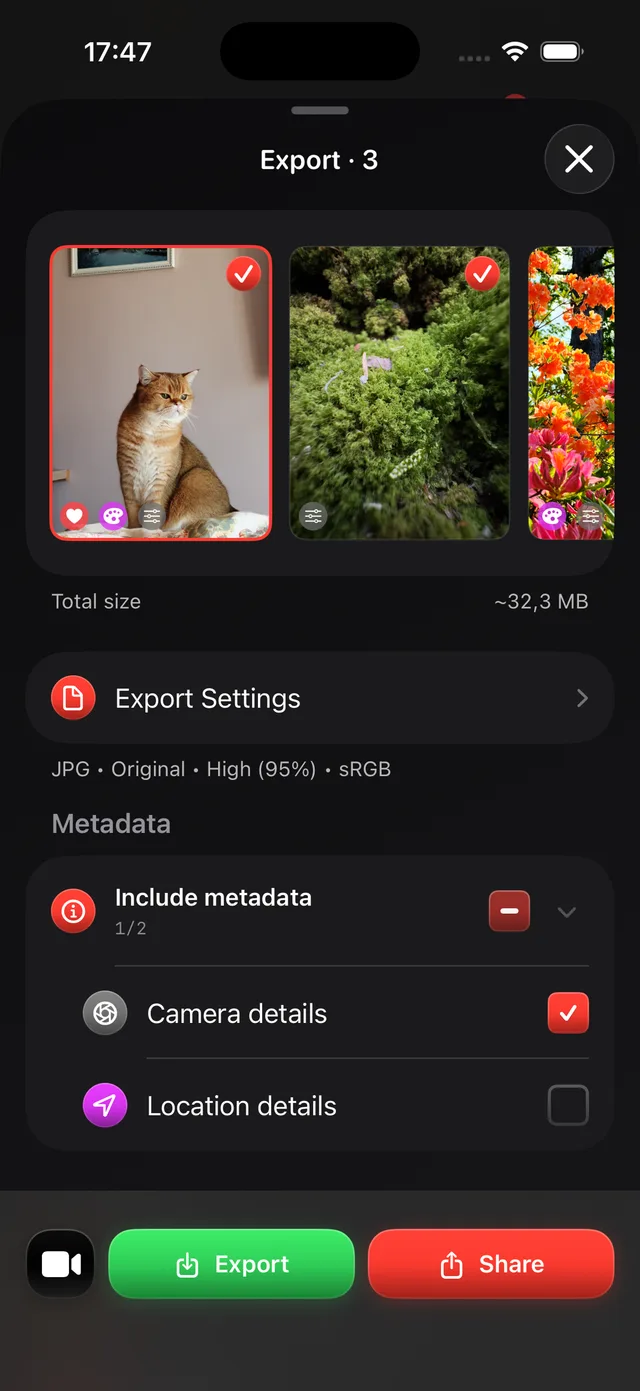
Export when ready. Repeat.
Save JPG, HEIC, or TIFF to Photos or Share. Your originals stay untouched; the queue is ready for the next session.

Better ProRAW. Still on your phone.
Open a roll from Photos and see how far you can push ProRAW before you export.
Free on the App Store